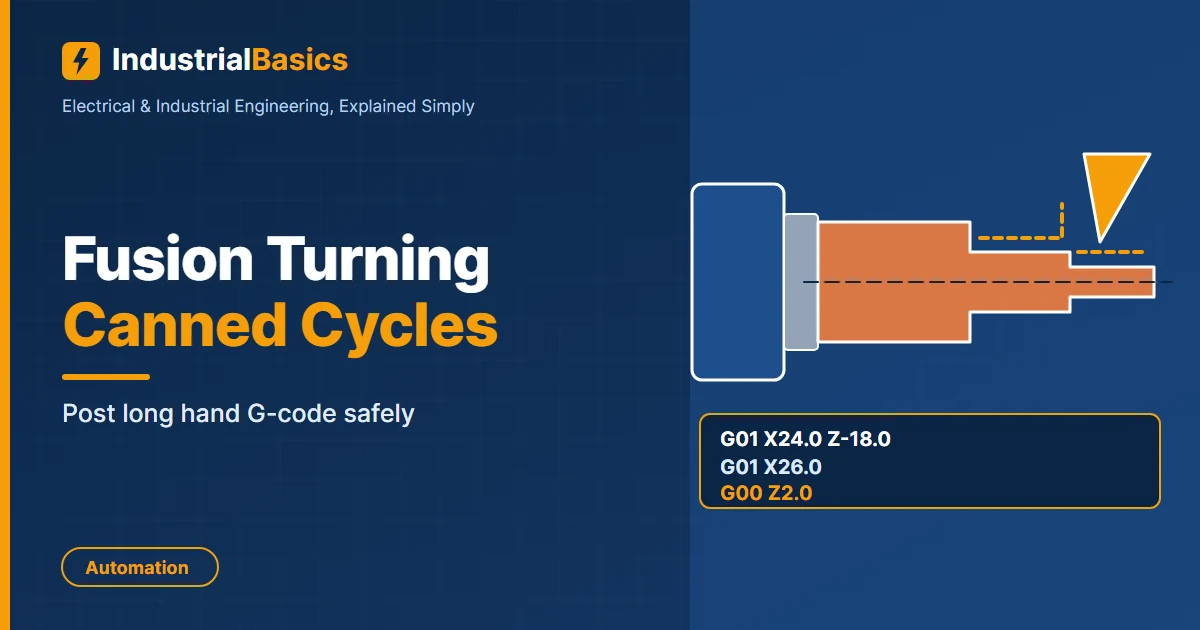
To make Fusion output long hand G-code for a CNC lathe, turn off the canned cycle option in the turning operation where available. For point cycles such as drilling, call expandCyclePoint() in a copy of your post processor. Do not force threading into plain G01 moves, because thread cutting needs spindle-synchronized feed.
| Cycle | Long hand approach | Risk |
|---|---|---|
| Turning roughing | Turn off the canned cycle option in the operation, if your version shows one | Low, but the program gets longer |
| Drilling on center | expandCyclePoint() in a copy of the post | Medium, check retract moves |
| Tapping | Keep the cycle unless expansion is supported | High, needs spindle reversal and synchronization |
| Thread turning | Keep a threading command | High, a plain G01 will not cut a thread |
Canned Cycles vs Long Hand
A canned cycle packs a repetitive operation into a few blocks and lets the control work out the moves. Long hand writes out every move. You might want long hand when an older control lacks a cycle option, when the control interprets a cycle differently from the CAM simulation, or when you want the program to match the toolpath exactly.
The trade-off is editing. Changing a depth of cut in a canned cycle may take one value at the machine, while changing it in long hand code usually means going back to CAM and posting again.
How a Fusion Post Handles Cycles
Fusion post processors are JavaScript files. Autodesk’s post reference describes the functions the engine calls during a cycle:
| Function | When it runs |
|---|---|
onCycle() | At the beginning of each cycle. cycleType holds the cycle name |
onCyclePoint(x, y, z) | Once for each point in the active cycle |
onCyclePath() | At the start of a cycle with a toolpath, such as a turning canned cycle |
onCyclePathEnd() | At the end of that toolpath |
onCycleEnd() | When the cycle terminates |
expandCyclePoint(x, y, z) | Expands a well-known cycle into ordinary moves |
isLastCyclePoint() | True at the last point, typically used for lathe threading |
How to Get Long Hand Output
1. Check the operation first
If your turning roughing operation offers a canned cycle setting, clear it and post again. This is the safest change because the post stays as it is. Menu names can vary between Fusion versions, so check your current interface.
2. Make a copy of the post
Rename the post, keep it in your own library and add a comment with the date and reason for the change. Autodesk recommends using cloud posts in your Asset Library with Fusion, which also helps a team use the same version.
3. Expand a specific cycle
Autodesk’s guide shows how to expand a cycle when a machine does not support one of its features. This example uses that pattern for deep drilling with a dwell:
case "deep-drilling":
  if (P > 0) { // machine has no dwell for this cycle
    expandCyclePoint(x, y, z);
  } else {
    // existing code that writes the canned cycle
  }
  break;
Expanded cycles must also be expanded at the second and later points. Most posts already contain this logic:
} else { // not the first cycle point
  if (cycleExpanded) {
    expandCyclePoint(x, y, z);
  } else {
    // existing code that writes the next location
  }
}
Removing a cycle’s entire case block lets it fall through to the default handling, which normally expands it. Check the default block in your own post before relying on that.
4. Check the cycle cancel
Posts usually test cycleExpanded in onCycleEnd() so they only output a cancel code after a real canned cycle. Make sure your edit has not left a stray cancel code or removed a needed one.
Why Threading Needs Extra Care
Autodesk’s reference describes thread turning as a move to the end of the thread with feed-spindle synchronization. That is the critical difference. A normal G01 feed move is not locked to the spindle position, so each pass would start at a different point and the thread would be ruined.
The guide also notes that Fusion sends lathe threading to onCyclePoint one pass at a time, and that isLastCyclePoint() is used when the post needs the full depth for a single threading block. So moving between a one-block cycle and individual passes is a real post change. Your control’s programming manual should confirm the correct threading code.
Testing Checklist
- Post a known part. Autodesk provides benchmark parts for post testing, including turning.
- Compare the old and new code with a text comparison tool.
- Check the safe-start block, tool calls, work offset, spindle direction and coolant.
- Check every retract and confirm the tool clears the part and chuck.
- Simulate the posted code, not just the CAM toolpath.
- Prove it at the machine above the part, with reduced rapids and a hand on feed hold.
- Measure the first part before releasing the post to production.
Spindle and surface speed still need setting correctly, and our RPM to FPM guide can help. For machine-side controls, see NFPA 79, and use your lockout/tagout procedure before reaching into the work area.
Frequently Asked Questions
What does long hand mean in CNC programming?
Long hand means the program contains each individual move, usually G00, G01, G02 and G03 blocks, instead of a canned cycle that the control expands.
How do I make a Fusion post output long hand code?
First check the operation for a canned cycle option. For point cycles such as drilling, a copy of the post can call expandCyclePoint().
What does expandCyclePoint do?
It tells the post engine to output a supported cycle as ordinary moves instead of a machine cycle. Autodesk notes that not all cycles can be expanded.
Can every turning cycle be expanded?
No. Autodesk says some cycles must be implemented in the post configuration. Treat threading with particular care.
Why is threading harder to post long hand?
Thread cutting needs feed synchronized to the spindle. A normal G01 move does not provide that, so the post must output the right threading command.
What is onCyclePath in a Fusion post?
It is the function called at the start of a cycle that has a toolpath, such as a turning canned cycle. onCyclePathEnd is called at its end.
Should I edit the stock Fusion post?
Work on a renamed copy, keep the original and record your changes, so an update or mistake does not affect production programs.
How do I test an edited post?
Post a known part, compare the code with the CAM toolpath, simulate it, then prove it at the machine with safe offsets and reduced rapids.
Sources and Further Reading
- Autodesk: Post Processor Reference, Cycles: cycle flow, expansion limits and thread turning.
- Autodesk: Post Processor Reference, Entry Functions: onCycle, onCyclePoint and onCyclePath.
- Autodesk: CAM Post Processor Guide (4/2/25): expanding cycles, threading and post testing.