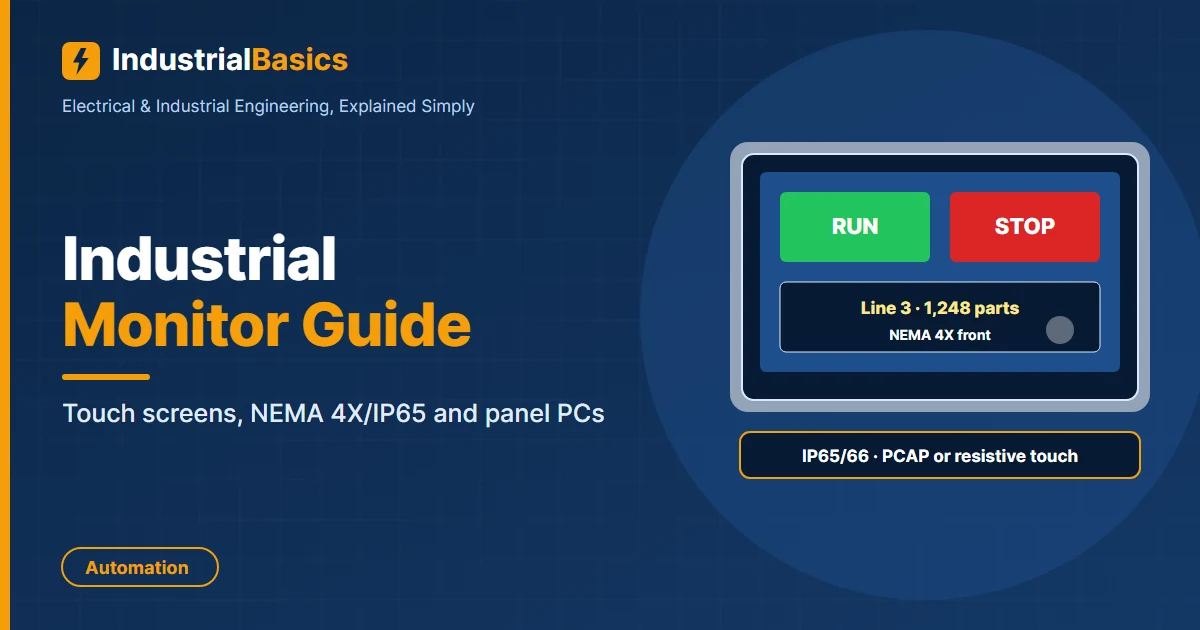
An industrial monitor is a display built for plant floors, washdown areas and outdoor equipment. It has a sealed front panel (typically NEMA 4/4X or IP65/IP66), a metal housing, a wide temperature range, industrial mounting and usually a glove-friendly touch screen. It shows video from a separate computer. A panel PC builds the computer in, and an HMI panel adds PLC software. Choose by environment rating, touch technology, size and brightness, and by certification if the area is hazardous.
Industrial Monitor vs Panel PC vs HMI
Wikipedia describes the panel PC as a subset of industrial PCs, with an LCD built into the same enclosure as the motherboard. Panel PCs are usually panel mounted with touch screens, and range from unsealed low-cost units to models sealed to IP67 at the front or certified explosion proof. An industrial monitor separates the two, so the computer can sit in a clean cabinet or a server room. HMI operator panels are a third category, selected mainly on PLC software and communication drivers; see HMI communication drivers.
Enclosure Ratings: NEMA and IP
| NEMA type | Protection (summary) | Typical use |
|---|---|---|
| 1 | General purpose; not dust-tight | Indoor, clean |
| 12 | Dust, falling dirt, dripping non-corrosive liquids | Indoor factory floor |
| 4 | Watertight: 65 gpm from a 1 in nozzle at 10 ft for 5 min | Hose-down, outdoor |
| 4X | As 4, plus corrosion resistance | Dairies, breweries, wastewater, food |
| 13 | Dust, spraying water and non-corrosive coolant; oil exclusion | Machine tools |
| 7, 8, 9 | Certified for hazardous (classified) locations | Class I / II areas |
| IP code | Meaning | Water test |
|---|---|---|
| IP5X | Dust protected | — |
| IP6X | Dust-tight | — |
| IPX5 | Water jets | 6.3 mm nozzle, 12.5 L/min, 30 kPa at 3 m |
| IPX6 | Powerful water jets | 12.5 mm nozzle, 100 L/min, 100 kPa at 3 m |
| IPX7 | Immersion to 1 m | 30 minutes |
| IP69K | High-pressure, high-temperature washdown | ISO 20653; must also be dust-tight |
Touch Screen Technologies
| Type | How it works | Strengths | Weaknesses |
|---|---|---|---|
| Resistive | Two resistive layers touch under pressure | Any glove or stylus, tolerant of liquids, low cost | Needs pressure; sharp objects damage it; more glare; mostly single-touch |
| Projected capacitive (PCAP) | Senses a finger’s capacitance through glass | Multi-touch, accurate, works through light gloves | Thick gloves need special styluses or gloves |
| Surface capacitive | Measures capacitance change from the corners | No moving parts, moderately durable | Limited resolution, needs factory calibration |
| Infrared grid | LED beams across the screen are interrupted | Detects any opaque object | Bezel space for sensors |
| Surface acoustic wave | Touch absorbs ultrasonic waves | Clear glass | Contaminants interfere; can be damaged |
Size and Rating Helper
For example, a 15.6 in 16:9 screen has an active area of 13.6 × 7.6 in. At 1920 px wide that is about 141 pixels per inch. A 12.1 in 4:3 screen at 1024 px is 9.7 × 7.3 in and 106 ppi. Older HMI screens were often 4:3, so new widescreen monitors can change how existing screens fit.
Other Specifications That Matter
- Mounting: panel mount (with a front gasket), VESA (75 × 75 or 100 × 100 mm with M4 screws for smaller screens, M6 on larger patterns), 19 in rack, or open frame for building into machines.
- Brightness: standard displays suit indoor use. Outdoor and sunlit cabinets need high-brightness panels and anti-glare glass; resistive overlays reduce contrast.
- Temperature: industrial PCs can be rated as wide as −40 to 75 °C (Wikipedia). Check the display’s operating and storage ranges against the cabinet, including heat from the sun.
- Inputs: HDMI, DisplayPort or DVI video, plus USB (or serial) for touch. For long runs between PC and display, use extenders rated for the distance.
- Power: 24 V DC models suit control panels; others take AC.
- Long-term supply: industrial PCs and displays are valued for long-term availability (Wikipedia), which matters when screens must match across a line for years.
Heat leaves an enclosure mostly by natural convection; see the convection coefficient of air to estimate how much.
Frequently Asked Questions
What is an industrial monitor?
A display built for factory, process and outdoor environments: a sealed front panel (NEMA 4/4X or IP65/66 typical), metal housing, wide operating temperature, industrial mounting (panel, VESA, rack or open frame) and usually a touch screen that works with gloves or wet fingers.
What is the difference between an industrial monitor and a panel PC?
An industrial monitor is display only: it takes video from a separate computer. A panel PC builds an industrial PC into the same enclosure, so the display runs Windows or Linux software itself (Wikipedia, Industrial PC).
Is an industrial touch screen the same as an HMI?
Not exactly. An HMI operator panel combines a touch display with vendor HMI software that communicates with the PLC. An industrial touch monitor needs a PC or HMI runtime somewhere else to show anything.
What does NEMA 4X mean on a monitor?
The front (or whole unit) is watertight against a hose test (65 gpm from a 1 in nozzle at 10 ft for 5 minutes) and has extra corrosion resistance, the X. It suits washdown areas such as dairies, breweries and wastewater plants.
What is the difference between IP65 and IP66?
Both are dust-tight (6). IP65 resists water jets from a 6.3 mm nozzle at 12.5 L/min; IP66 resists powerful jets from a 12.5 mm nozzle at 100 L/min. IP69K adds high-pressure, high-temperature washdown (ISO 20653).
Resistive or capacitive touch for industrial use?
Resistive works with any glove or stylus, tolerates liquids and is low cost, but needs pressure and has more glare. Projected capacitive gives multi-touch, better clarity and works through light gloves (Wikipedia, Touchscreen).
What does a front-panel rating mean?
Many panel-mount monitors are sealed only at the front: the rating holds once mounted with the supplied gasket in an enclosure of the same rating. The rear needs the cabinet’s protection.
What VESA mount do industrial monitors use?
Commonly 75 × 75 mm or 100 × 100 mm (VESA MIS-D, M4 screws) for small and medium screens, and larger patterns with M6 screws for big displays. Check the maker’s drawing.
Can I use an industrial monitor in a hazardous location?
Only if it is certified for that location (Class I Division 2, Zone 2 and so on) or installed in an approved purged or explosion-proof enclosure. A high IP rating does not make it safe for flammable atmospheres.
What temperature range do industrial displays handle?
Wider than office equipment. Wikipedia notes industrial PCs reach operating ranges as wide as −40 to 75 °C; check each display’s rating, especially outdoors or in un-air-conditioned panels.
Sources and Further Reading
- Wikipedia: NEMA enclosure types: Types 1 to 13 and the Type 4 hose test.
- Wikipedia: IP code: IEC 60529 digits, water jet tests, IP69K.
- Wikipedia: Touchscreen: resistive, capacitive, infrared and SAW technologies.
- Wikipedia: Flat Display Mounting Interface (VESA): hole patterns and screws.
- Wikipedia: Industrial PC: panel PCs, construction, temperature range, long-term supply.