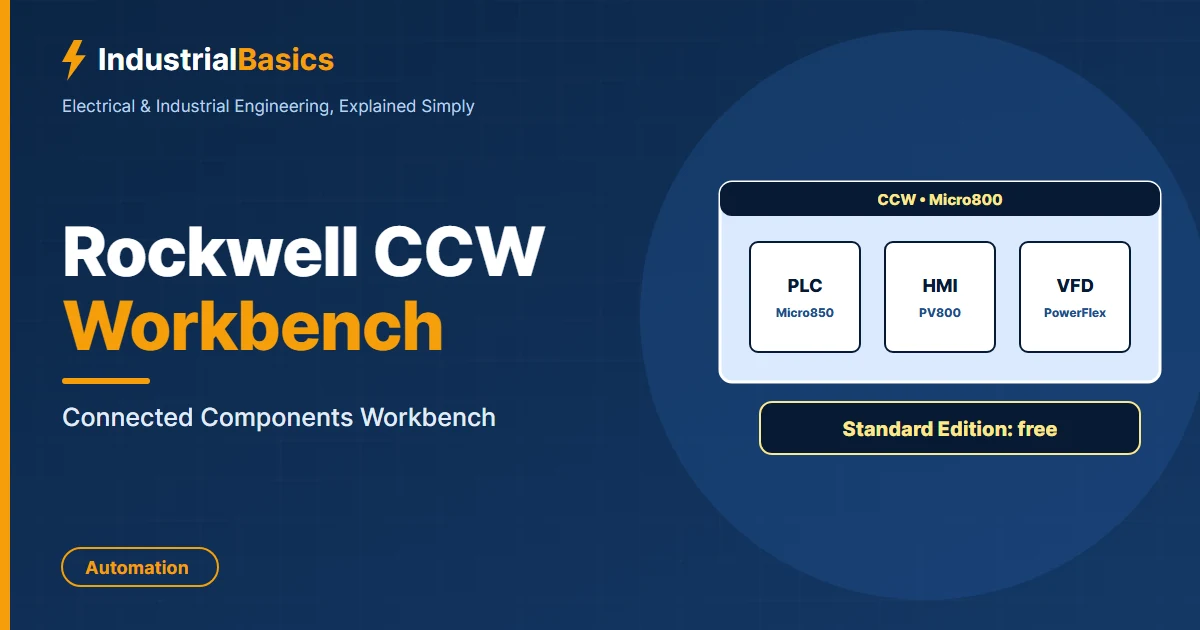
Connected Components Workbench (CCW) is Rockwell Automation’s free design software for its Micro Control System. In one environment it programs and simulates Allen-Bradley Micro800 controllers (Micro820, Micro850, Micro870), configures PowerFlex and Kinetix drives, and builds PanelView 800 HMI screens. The Standard Edition is free from Rockwell’s download center, with a demo Micro800 Simulator. The Developer Edition adds the full simulator and Archive Manager. CCW does not program ControlLogix, CompactLogix or MicroLogix; those use Studio 5000 or RSLogix 500.
What CCW Does
Rockwell describes CCW as the integrated design software for its Micro Control System, aimed at standalone machines. It handles controller programming and simulation, device configuration, and visualization with an HMI editor, to cut machine development time and cost. It is built on Rockwell and Microsoft Visual Studio technology. Rockwell highlights sample code and user-defined function blocks, the Micro800 Simulator for testing without hardware, and HMI tags that reference controller variables directly.
Standard vs Developer Edition
| Standard Edition | Developer Edition | |
|---|---|---|
| Price | Free (PCDC download) | Paid |
| Activation | Not required | Required |
| Micro800 Simulator | Demo version | Full version |
| Archive Manager | No | Yes |
| Programming features | Core configuration and programming | Extended Micro800 programming capabilities |
| Support | Standard technical support | Standard, with optional after-hours 24×7 |
CCW vs Studio 5000 vs RSLogix 500
| Software | Controllers | Cost | Notes |
|---|---|---|---|
| Connected Components Workbench | Micro800 | Standard Edition free | Small standalone machines; also drives and PanelView 800 |
| Studio 5000 Logix Designer | ControlLogix, CompactLogix, GuardLogix | Licensed | Mid-size and large systems; version must match firmware |
| RSLogix 500 | SLC 500, MicroLogix | Licensed | File-based addressing; legacy hardware |
PLCcode.ai sums up the choice. CCW wins on low-cost, small-I/O standalone machines. It is not a cut-down Studio 5000: the project format, instruction set and tools differ, and code does not move between them without rework. For networked machines that need motion, safety or room to grow, use CompactLogix or ControlLogix with Studio 5000 Logix Designer. Read the controller catalog number first, and the software choice follows.
What Is New in CCW Version 23
- Class 1 implicit messaging for up to four nodes on Micro820 2080-L20E controllers.
- PCCC support on Micro850 2080-L50E to ease MicroLogix-to-Micro800 modernization.
- Remote LCD display connectivity on Micro850 and Micro870 2080-Lx0E.
- Longer passwords (8–64 characters) for controllers and program organization units.
- Trending of Micro800 tag variables and PowerFlex drive parameters.
Recent versions also brought direct access to predefined tags for PowerFlex 520-series and Kinetix 5100 drives over EtherNet/IP, and DNP3 and expanded DF1 communications. Uploads and downloads got faster (Rockwell cites 23% and 40%), project encryption arrived in the memory module, and bit-level comments and daylight saving were added (Rockwell).
Getting Started
- Download the Standard Edition from Rockwell’s Product Compatibility and Download Center (rok.auto/pcdc).
- Create a project and add your Micro800 controller by catalog number.
- Write logic in ladder, function block or structured text, using sample code or user-defined function blocks.
- Test in the Micro800 Simulator, then download to the controller over USB or Ethernet.
- Add PowerFlex drives and a PanelView 800 HMI in the same project if your machine uses them.
For PLC selection, see how to select a PLC, and for language basics, IEC 61131-3.
Frequently Asked Questions
What is Connected Components Workbench?
Rockwell Automation’s design software for its Micro Control System: it programs and simulates Micro800 controllers, configures devices such as PowerFlex drives, and includes an HMI editor for PanelView 800 terminals, in one environment built on Microsoft Visual Studio technology.
Is Connected Components Workbench free?
Yes, the Standard Edition is free from Rockwell’s Product Compatibility and Download Center and needs no activation. The paid Developer Edition adds the full Micro800 Simulator, Archive Manager and extended programming features.
Which PLCs does CCW program?
The Micro800 family (Micro820, Micro850, Micro870 and others). ControlLogix and CompactLogix use Studio 5000 Logix Designer; SLC 500 and MicroLogix use RSLogix 500.
Can CCW program MicroLogix or CompactLogix?
No. It is not a cut-down Studio 5000: the project format, instruction set and tools are different, and code does not move between them without rework (PLCcode.ai). For MicroLogix-to-Micro800 migration, version 22+ adds PCCC instruction support.
What programming languages does CCW support?
Ladder diagram, function block diagram and structured text, with user-defined functions and function blocks and sample code. Ladder entry follows workflows similar to RSLogix 500 and Studio 5000.
Does CCW have a simulator?
Yes. The Standard Edition includes a demo version of the Micro800 Simulator; the Developer Edition includes the full simulator, so you can test programs without hardware.
What is new in CCW version 23?
Rockwell lists Class 1 implicit messaging for Micro820 2080-L20E, PCCC support on Micro850 2080-L50E for MicroLogix modernization, remote LCD display connectivity, longer passwords (8–64 characters) and trending of controller tags and PowerFlex parameters.
Can CCW configure drives?
Yes. It configures PowerFlex drives and gives direct access to predefined tags for PowerFlex 520-series and Kinetix 5100 drives over EtherNet/IP.
What is the difference between CCW and Studio 5000?
CCW targets small standalone machines on Micro800 controllers and is free in its Standard Edition; Studio 5000 Logix Designer targets mid-size and large systems on Logix controllers, is licensed, and requires matching the software version to controller firmware.
Where do I download Connected Components Workbench?
From Rockwell Automation’s Product Compatibility and Download Center (PCDC), rok.auto/pcdc.
Sources and Further Reading
- Rockwell Automation: Design and configuration software: CCW capabilities and version 23 features.
- Rockwell Automation: Connected Components Workbench product listing: Standard and Developer Editions.
- PLCcode.ai: Studio 5000 vs RSLogix 500 vs Connected Components Workbench.