The best electrical CAD software depends on what you design: QElectroTech is a strong free choice for industrial schematics, KiCad is built for circuit boards, and platforms such as Zuken E3.series suit panels, harnesses and larger teams. Choose by the outputs you must deliver, such as wire numbers, cross-references, terminal plans and bills of materials, rather than by a generic ranking.
| Software | Best for | Cost | Platforms |
|---|---|---|---|
| QElectroTech | Industrial and control schematics | Free, GPL v2 or later | Windows, macOS, Linux |
| KiCad | Electronics and PCB design | Free, open source | Windows, macOS, Linux |
| Zuken E3.series | Schematics, panels, harnesses and fluid | Contact vendor | Check with vendor |
What Electrical CAD Does
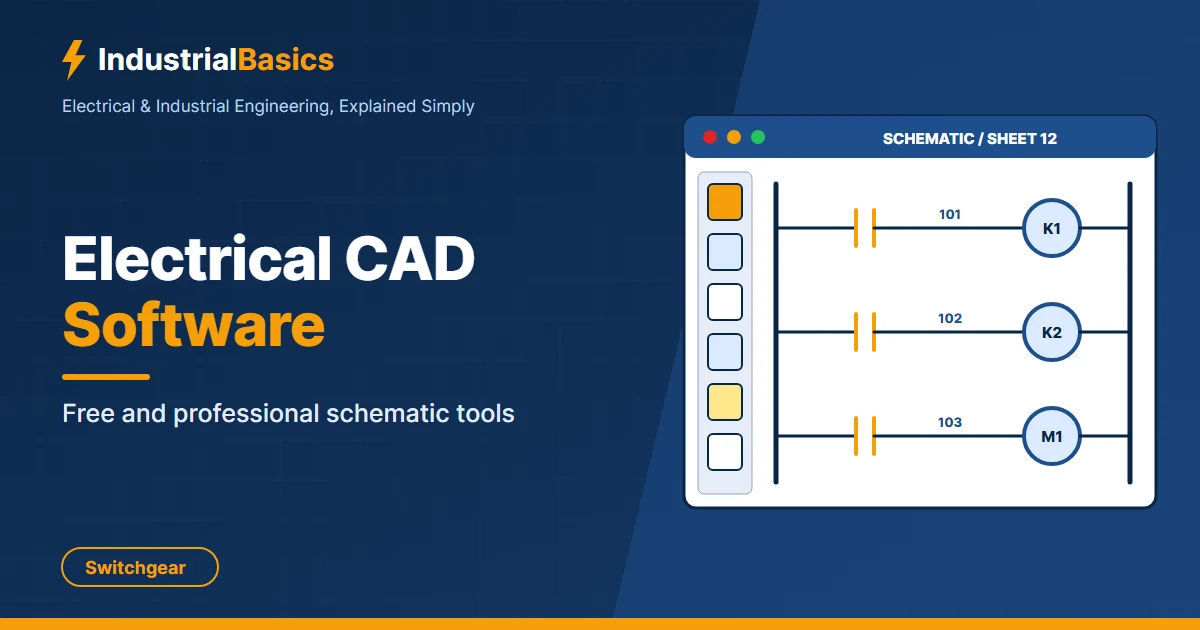
A general drawing program can draw a circuit, but it does not understand it. Electrical CAD treats a symbol as a device and a line as a connection. That lets the software number wires, link a relay coil to its contacts on another sheet and generate reports from the design.
| Feature | Why it matters |
|---|---|
| Symbol library | Saves drawing time and keeps drawings consistent |
| Automatic wire numbering | Reduces manual errors |
| Cross-references | Shows where each coil and contact appears |
| Terminal plans | Supports panel build and field wiring |
| Bill of materials | Feeds purchasing and assembly |
| Exports | Lets customers and suppliers open your work |
These tools are commonly used for documents such as NFPA 79 machine wiring packages and switchgear panels.
The Software Compared
QElectroTech
QElectroTech is a volunteer-developed open-source application for complex industrial electrical diagrams. Its website lists more than 8,000 symbols, automatic numbering for conductors, symbols and folios, live cross-references, terminal strips and bills of materials that export to CSV. It exports to PDF, SVG, DXF and images.
Choose it if you are a small panel shop, technician or student who needs proper schematics without licence fees. Check that its parts and reporting workflow fits your project before standardizing on it.
KiCad
KiCad is open-source electronics CAD for schematics and printed circuit boards. Its site highlights hierarchical schematics with hundreds of sheets, an integrated SPICE simulator, an electrical rules checker, an interactive PCB router and a 3D viewer.
Choose it if you design circuit boards. For control panels, its focus on electronics makes a panel-oriented tool the more natural choice.
Zuken E3.series
E3.series is a commercial platform for electrical and fluid design. Its modules include E3.schematic, E3.cable, E3.panel with 2D and 3D cabinet layout and automatic wire routing, and E3.fluid for hydraulics and pneumatics. Zuken also lists MCAD, PLM and ERP links.
Choose it if you need connected schematic, cabinet and harness design across a team. Pricing is not published on its product page, so request a quote and an evaluation.
Other tools to evaluate
AutoCAD Electrical, EPLAN Electric P8 and SOLIDWORKS Electrical are also widely considered for professional electrical design. Check the vendor’s current documentation and pricing directly, and include them in a trial if your customers or mechanical team already use those ecosystems.
How to Choose
- List your deliverables. Schematics, terminal plans, panel layouts, BOMs or harness drawings.
- Check customer file requirements. PDF may be enough, or they may require a native format.
- Test a real project, not a sample drawing.
- Check the parts library against the brands you actually buy.
- Confirm integration with mechanical CAD, purchasing or ERP.
- Compare the full cost, including maintenance, training and migration.
A good test project is a simple motor starter circuit controlled by a PLC, with an interposing relay and a terminal strip.
Frequently Asked Questions
What software do electrical companies use for drawings?
It depends on the work. Panel builders use dedicated electrical CAD, electronics teams use PCB tools, and larger firms often use platforms linked to parts and enterprise data.
What is the best free electrical CAD software?
For control and industrial schematics, QElectroTech is a strong free option. For circuit boards, KiCad is the better fit.
Is QElectroTech really free?
Yes. Its website describes it as free and open source under GNU GPL v2 or later, with no licence fees.
Can KiCad draw control panel schematics?
It can draw schematics, but it is built for electronics and PCB design. A panel-focused tool is usually better for wire numbering and terminal plans.
What features should electrical CAD have?
Look for symbol libraries, automatic wire numbering, cross-references, terminal plans, bills of materials and exports your customers can use.
Does QElectroTech run on Mac and Linux?
Yes. Its website lists Windows, macOS and GNU/Linux.
What is Zuken E3.series used for?
Zuken describes it as a platform for schematics, control panels, wire harnesses and fluid engineering.
How should I choose electrical CAD software?
List the outputs you must deliver, test a real project in a trial, and check file exchange, parts data, support and total licence cost.
Sources and Further Reading
- QElectroTech: Official Website: features, license and platforms.
- KiCad: Official Website: schematic, PCB and simulation features.
- Zuken: E3.series: modules and integration.